Trash, restoring, and permanent deletion
Clear results out of History, bring them back, or delete them for good
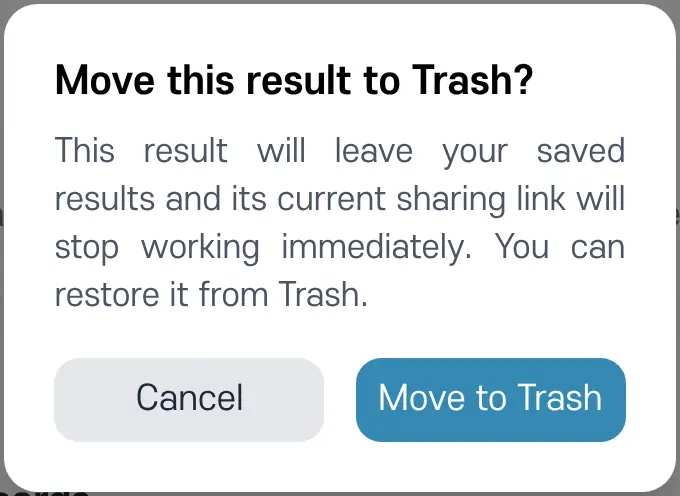
Tap 'Move to Trash' on a result card in History to move that result to Trash. Its sharing link stops working at the same time.
Opening Trash
Tap 'View Trash' at the very bottom of History to open Trash.
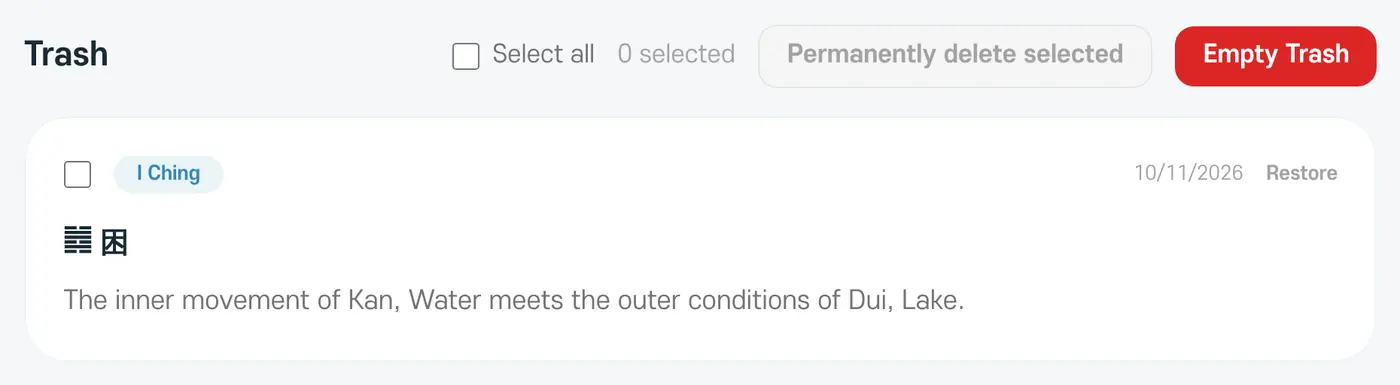
- Restore: moves the result back to History. A restored result comes back as private, and old sharing links won't open again.
- Permanently delete selected: deletes the results you chose for good.
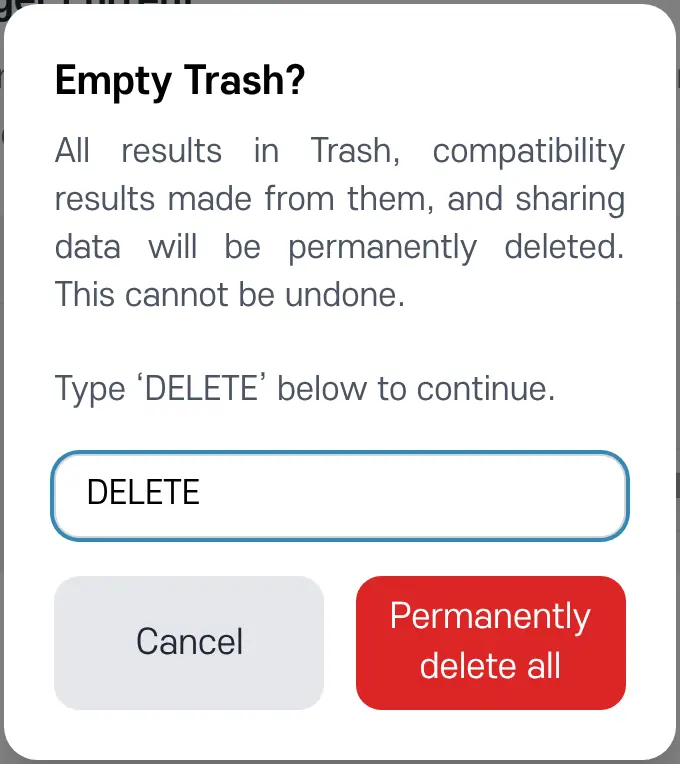
- Empty Trash: deletes every result in Trash for good. To confirm, you'll need to type 'DELETE'.
Permanent deletion can't be undone
Permanently deleting a result also deletes any compatibility results and sharing data made from it, and it can't be restored.