My Page and closing Lucky
Checking your account, closing only Lucky, and closing your One ID
From 'My Page' in the top menu, you can go to your credits, History, and Account settings. In Account settings, you can check your name and email and log out.
Stop using Lucky
Open 'Danger Zone' under Account settings to find Stop using Lucky and Close all One ID services.
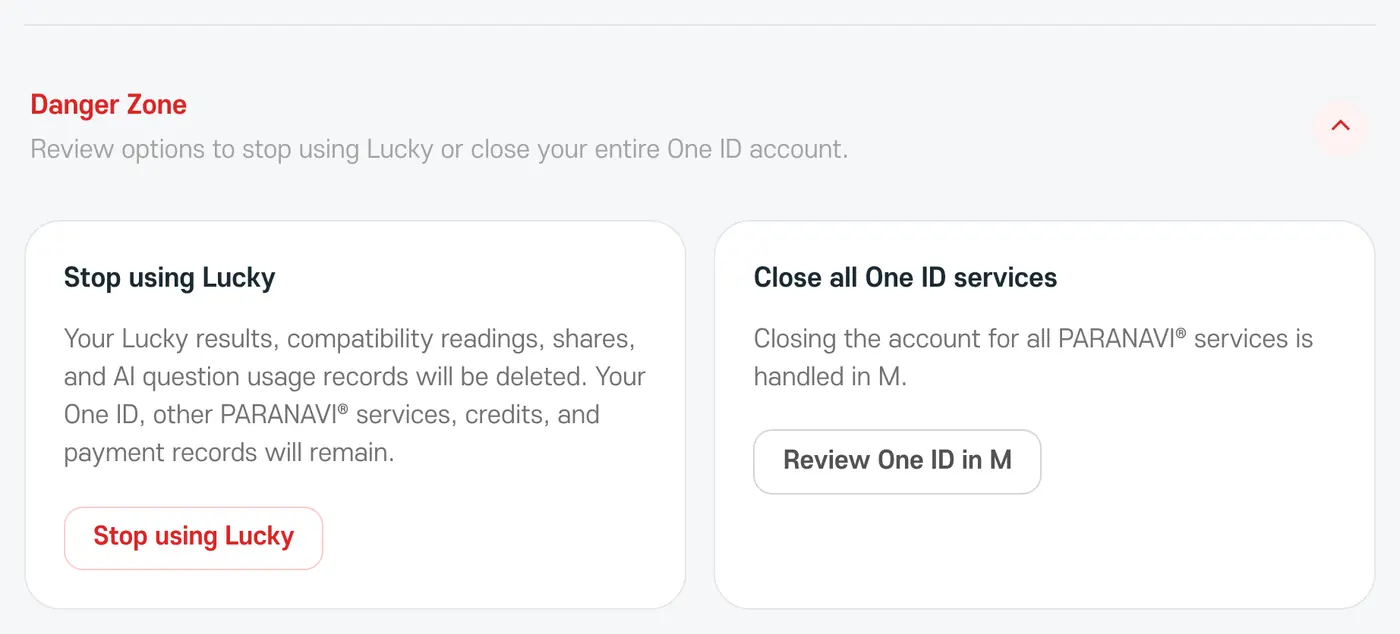
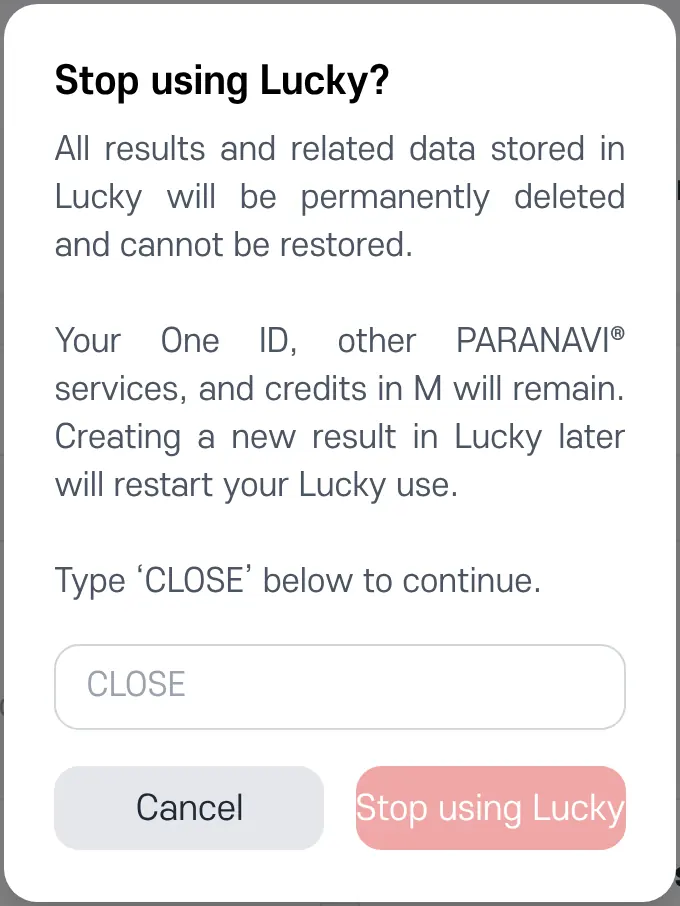
- Stop using Lucky: permanently deletes the results, compatibility results, sharing data, and AI question history saved in Lucky. Your One ID, other PARANAVI® services, credit balance, and payment history stay as they are. To confirm, you'll need to type 'CLOSE'.
- Close all One ID services: this affects every PARANAVI® service, so it's done in M.
Please check before closing
Once you stop using Lucky, saved results can't be restored. If you create a new result in Lucky later, your use starts again. If you still have purchased credits, check your balance and refund options before closing your One ID.