Entering and saving birth information
Save your birth information once and reuse it across services
Saju, Dangsaju, Zi Wei Dou Shu, Western Astrology, and Vedic Astrology are calculated from birth information. If you save your birth information while signed in, you won't need to enter it again for each service.
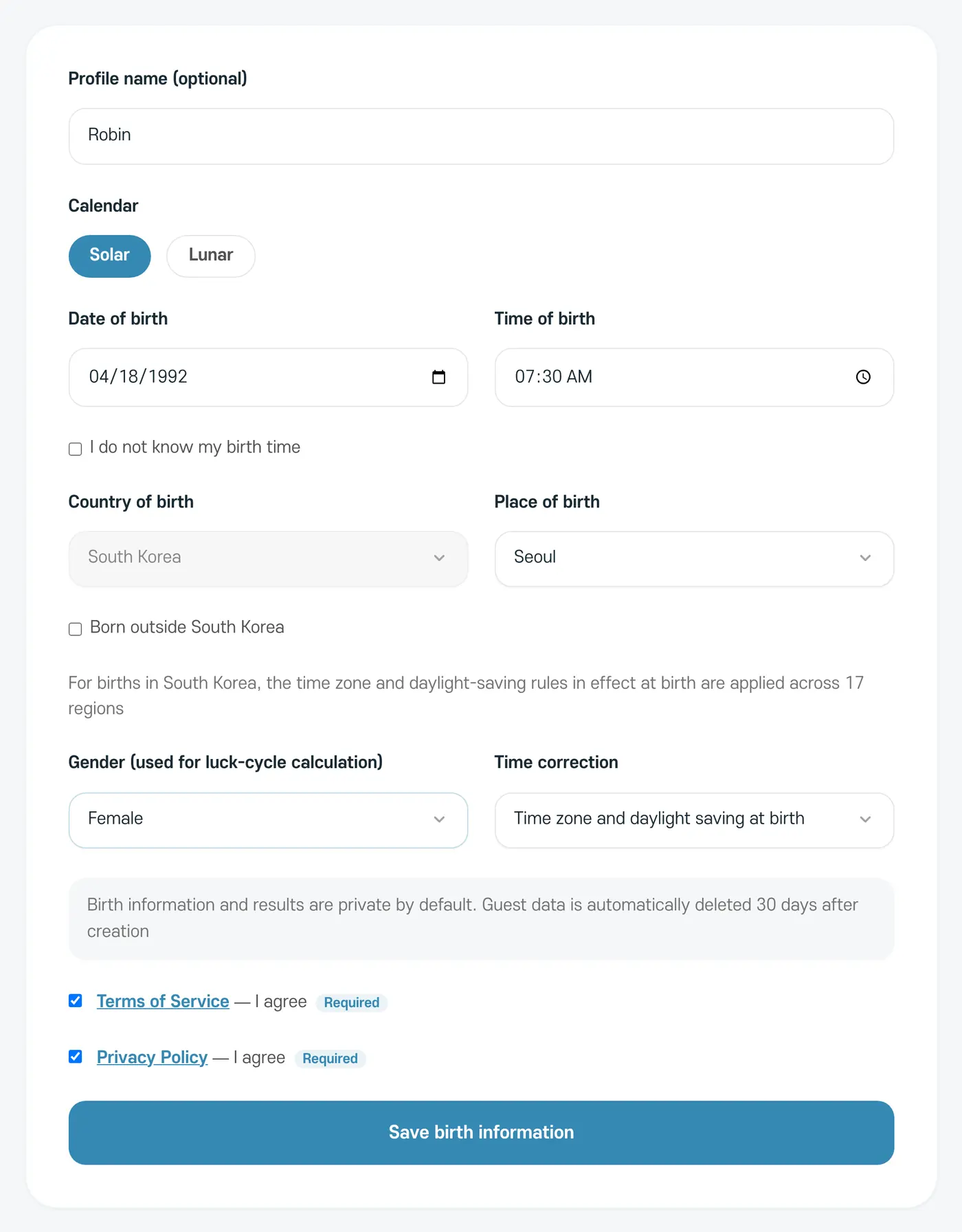
- 1
Profile name
Add a name so you can tell whose information it is. You can leave it blank.
- 2
Calendar and date of birth
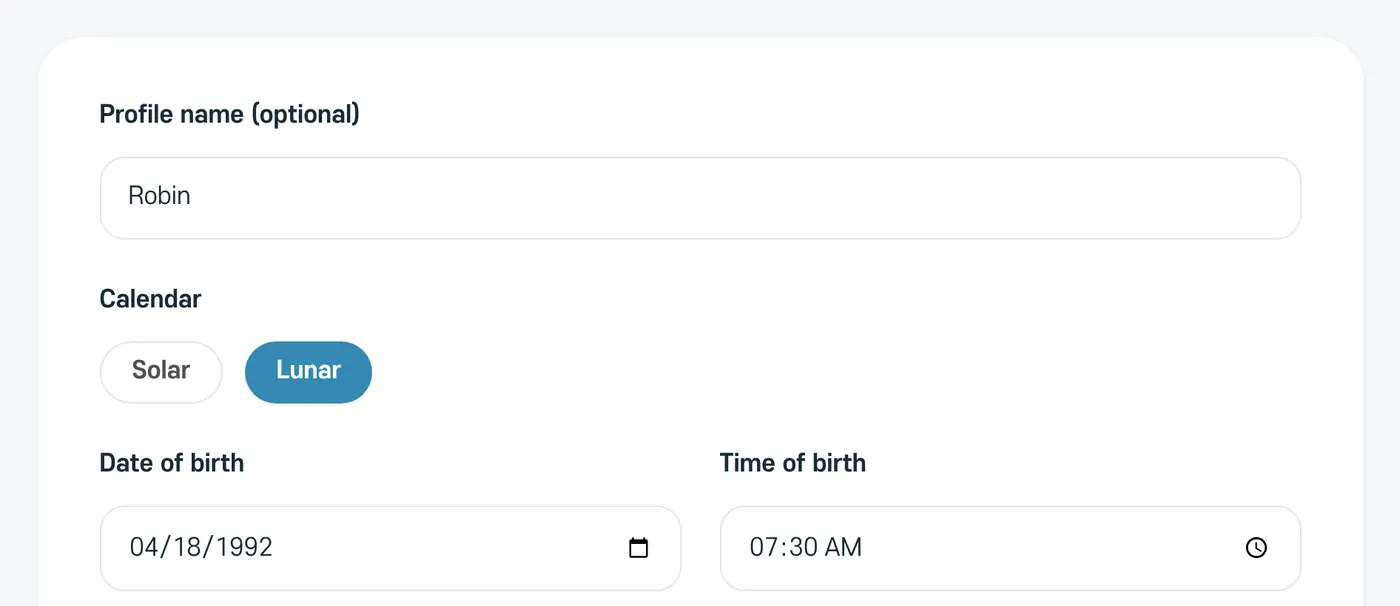
Choose Solar or Lunar, then enter the date of birth. If you choose Lunar, a 'Leap month' option appears.
- 3
Time of birth
Enter the time of birth. If you don't know it, select 'I do not know my birth time'.
- 4
Place of birth
For births in South Korea, choose the Place of birth from the 17 regions of Korea, and the time zone and daylight-saving rules in effect at birth are applied. If you were born elsewhere, select 'Born outside South Korea', then search for the country and the city or region of birth.
- 5
Gender and time correction
Gender is used for the Saju luck cycles and the Zi Wei Dou Shu chart. You can leave Time correction at its default.
- 6
Agree and save
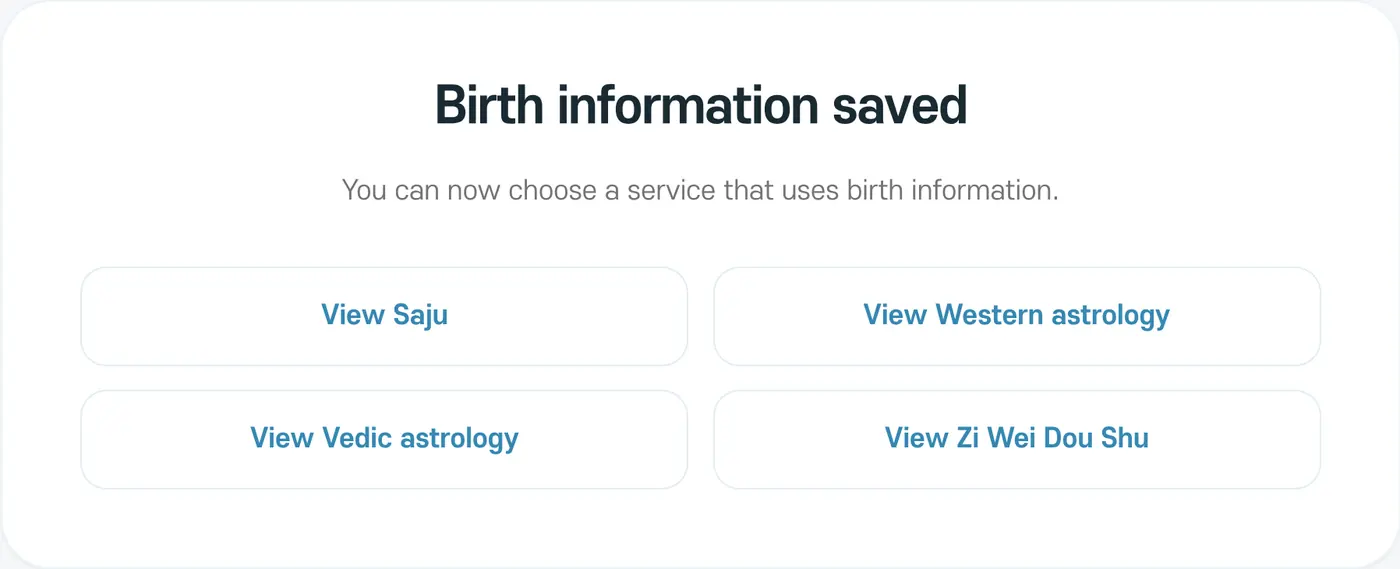
Agree to the Terms of Service and Privacy Policy, then tap 'Save birth information'.
What each service needs
- Western Astrology, Vedic Astrology: an accurate birth time.
- Zi Wei Dou Shu: a birth time and gender.
- Dangsaju: without a birth time, it reads three stars instead of four.
Your birth information stays private
Birth information is saved as private by default and never appears in the web address (URL). Even when you share a result, your original birth date, birth time, and birthplace aren't shown.