Checking compatibility
Connect two Saju results to look at a relationship
Compatibility connects two Saju results you've already made, so you'll need to create the other person's Saju first. Tap 'Compare two Saju charts' below a Saju result, or open it from the Saju screen.
- 1
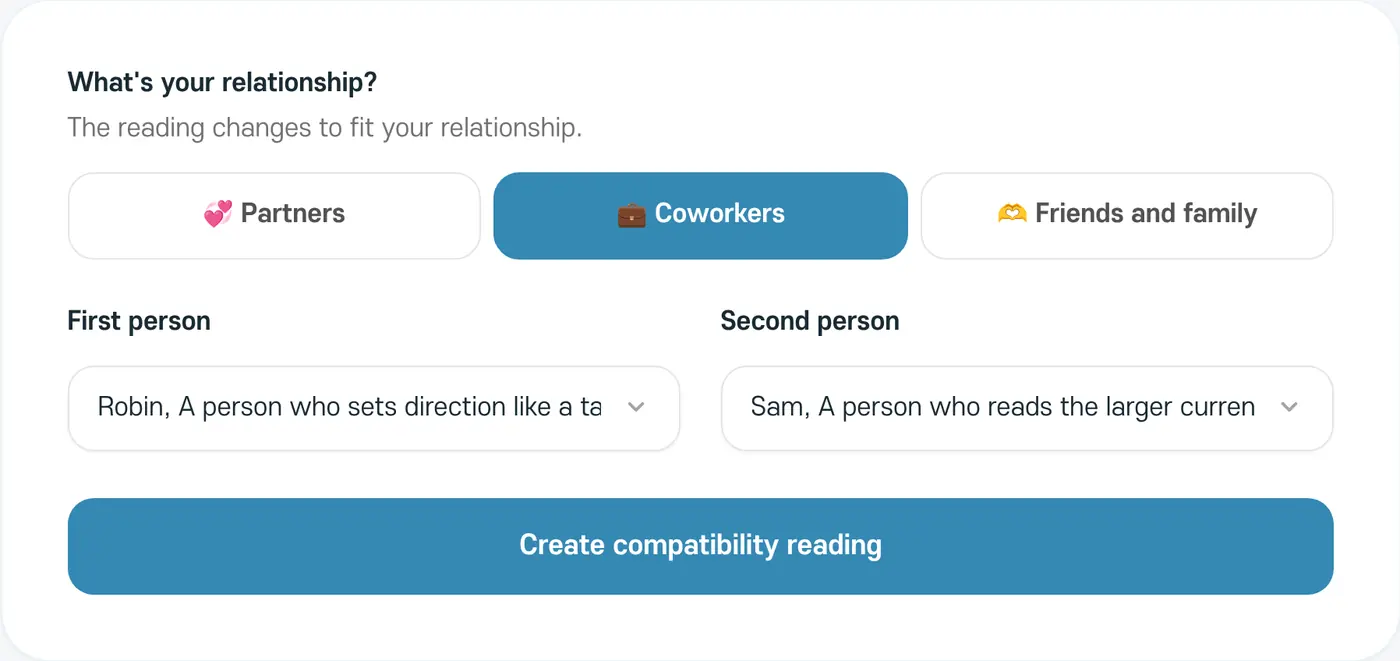
Choose the relationship
Choose Partners, Coworkers, or Friends and family. The reading changes to fit the relationship.
- 2
Choose two people
Choose a Saju result for the First person and the Second person.
- 3
Create compatibility reading
Tap the button to see the result.
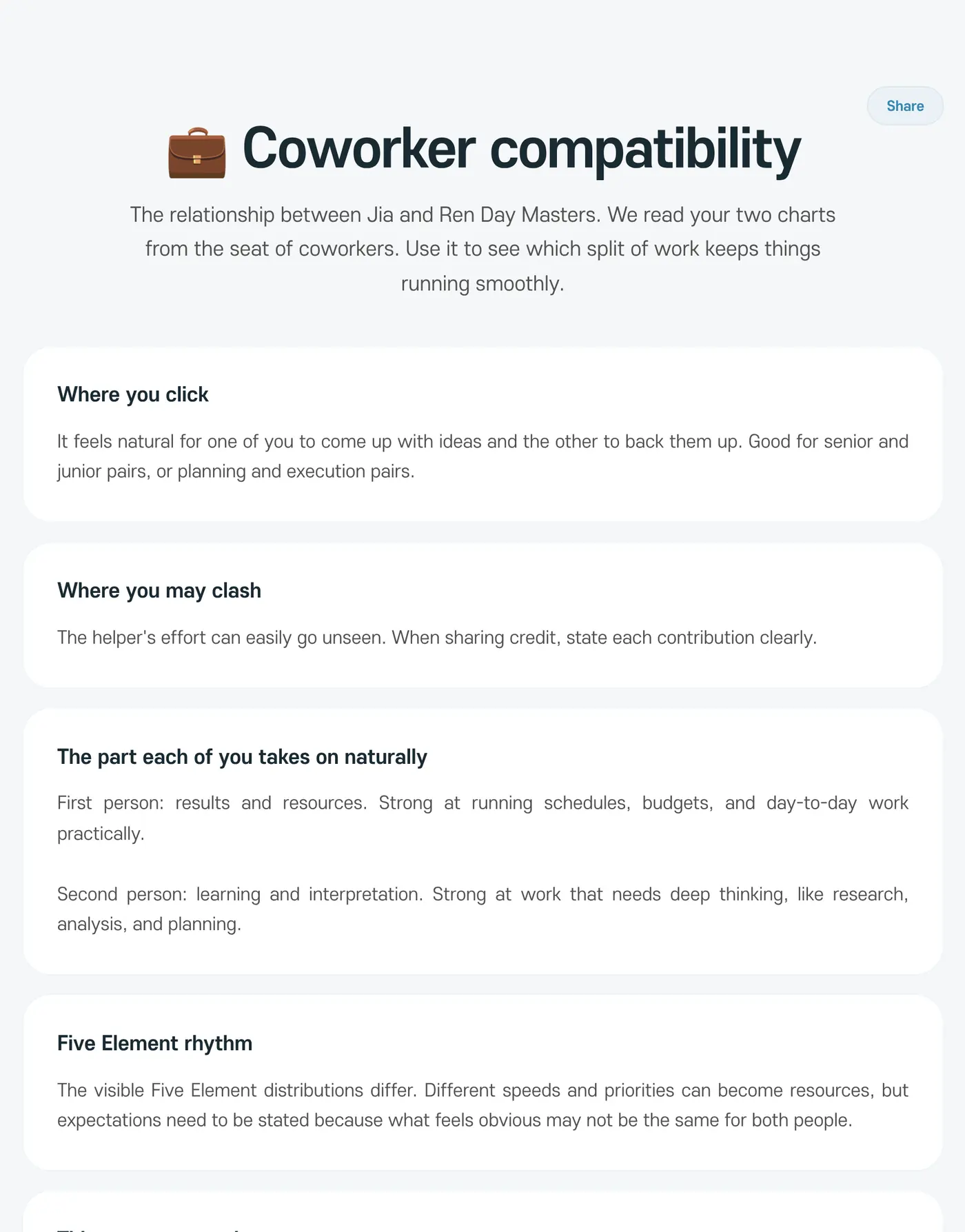
Compatibility doesn't give a score or a yes or no. It shows how two people's energies meet and what you might talk about together. It doesn't decide whether a relationship will last or lead to marriage.