Choosing where to start
How to use the home screen guide and service cards
If you're not sure which service to try first, tap 'Not sure where to begin?' in the middle of the home screen. Pick the sentence closest to how you feel, and it suggests services that fit.
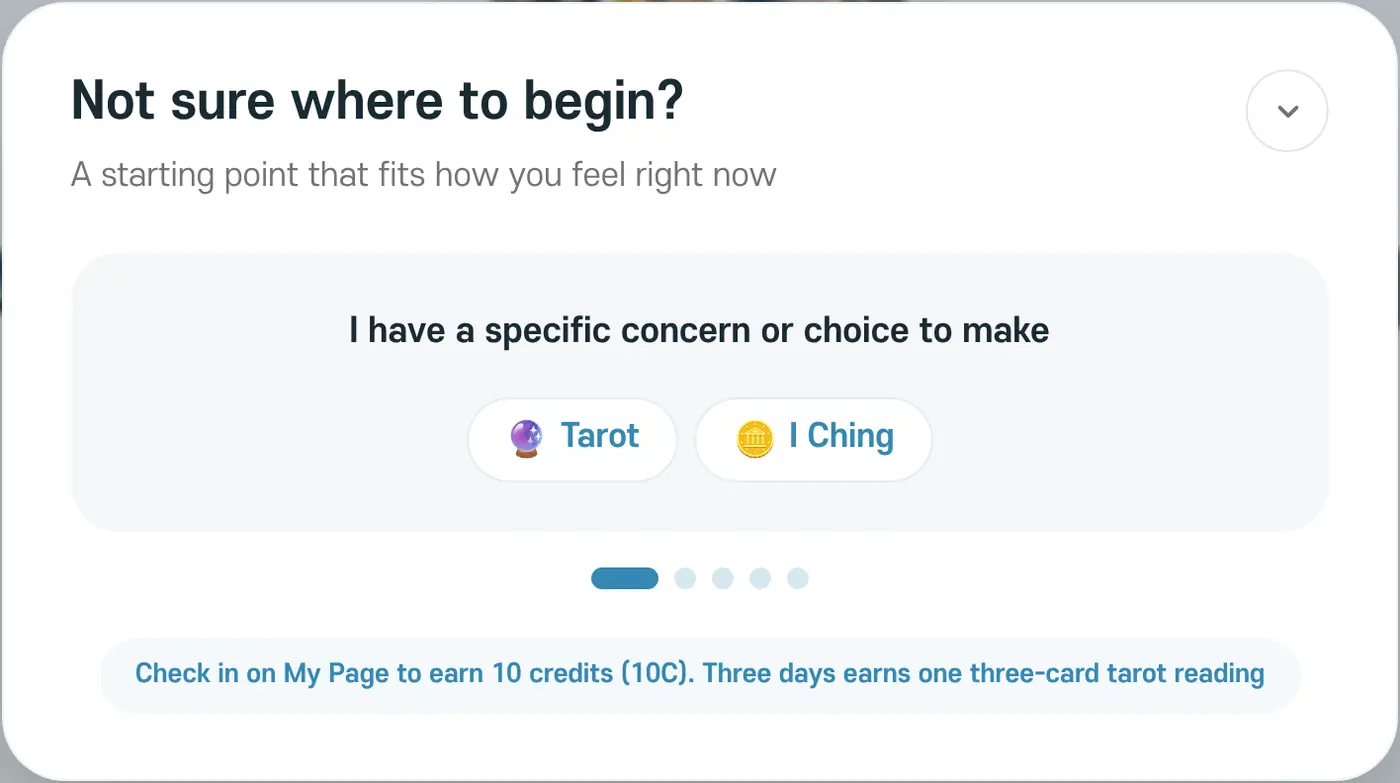
- I have a specific concern or choice to make: Tarot, I Ching
- I want to understand my overall traits and direction: Saju, Dangsaju
- I want to view my birth chart from several perspectives: Western Astrology, Vedic Astrology, Zi Wei Dou Shu
- I had a dream I cannot forget: Dream Reflection
- I want to try something light first: Tarot
Service cards and menus
Tap a service card on the home screen to go straight to that service. You can drag the cards to change their order, and 'Reset' puts them back in the original order. You can also choose any of the eight services from the 'Services' menu at the top.
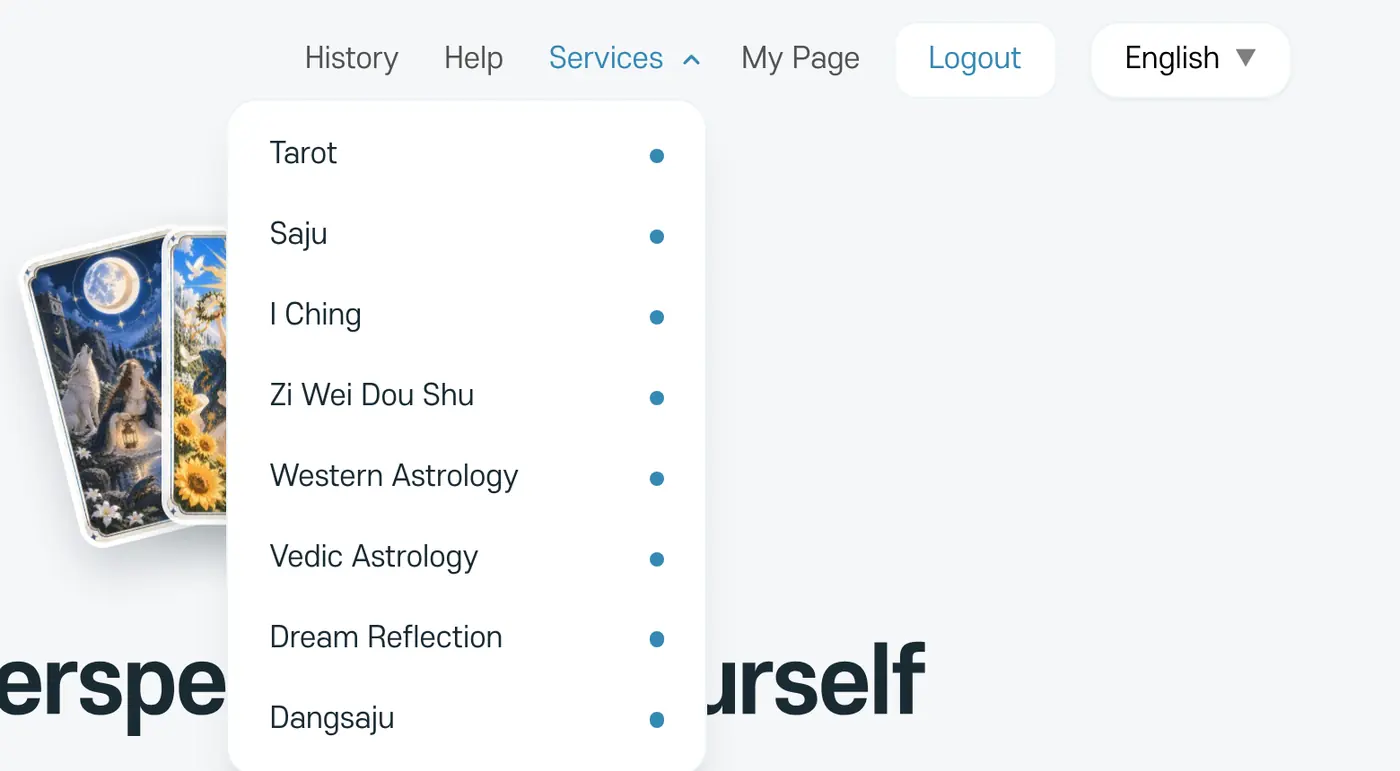
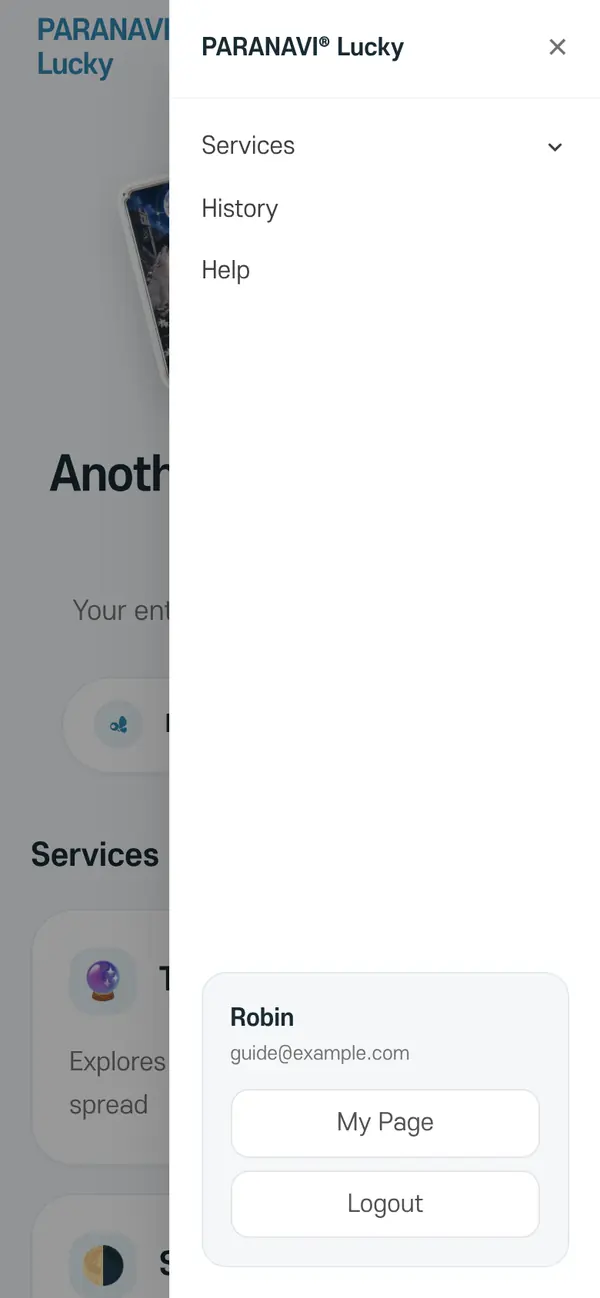
On a phone, tap the menu button (☰) at the top right to see Services, History, and My Page.