Signing in and guest use
What you can see without signing in, and what changes when you do
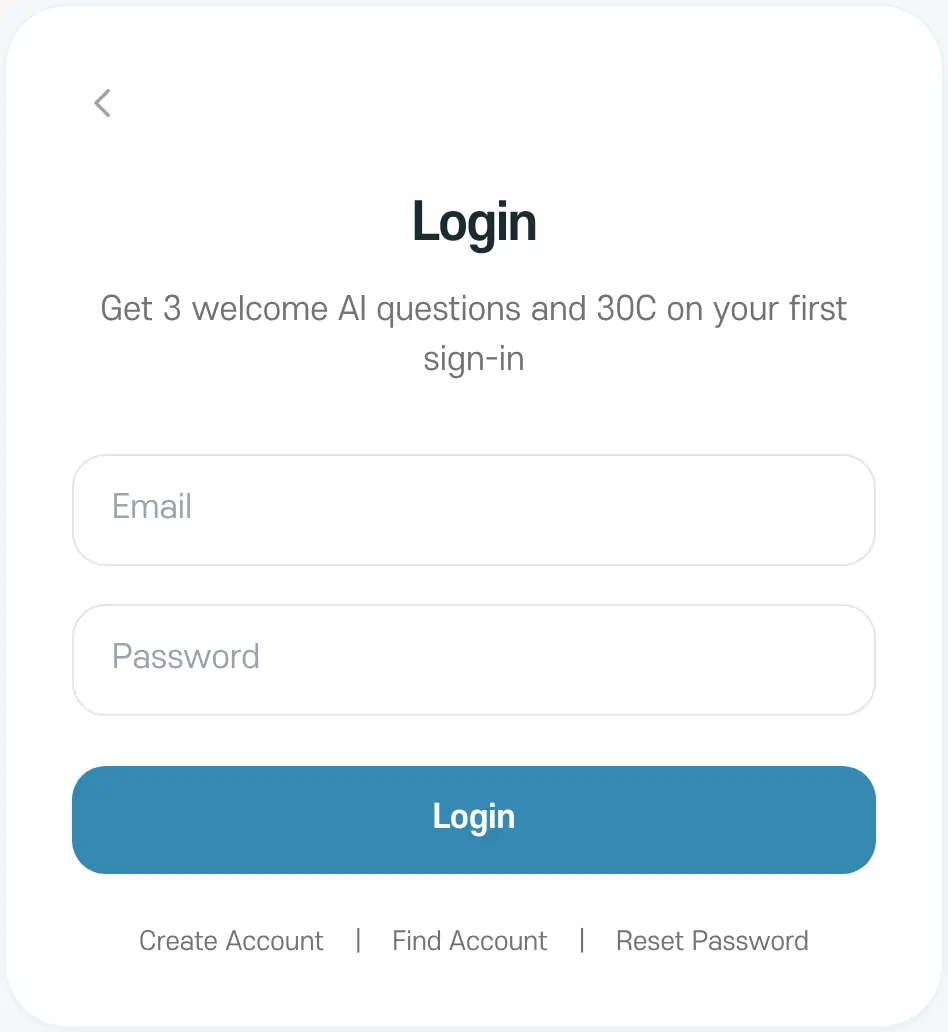
Lucky uses PARANAVI® One ID to sign in. It's the same account as M and ABLE Insight, so if you already have one, you don't need to sign up again.
Available without signing in
- Saju
- One-card reading (free once a day)
- Dream Reflection
What changes when you sign in
- You can use I Ching, the three-card reading, Western Astrology, Vedic Astrology, Zi Wei Dou Shu, and Dangsaju.
- You can save birth information and reuse it across services.
- Your results collect in History, and you can use sharing and Trash.
- You can ask AI more about your results. Your first sign-in comes with 3 free welcome questions and 30C.
Guest results are kept for 30 days
Saju results and birth information you create as a guest are deleted automatically 30 days after you create them. A guest's free tarot results are saved only in that browser. Sign in to keep them longer.
If you're new
- 1
Open sign-up
Tap 'Create Account' at the bottom of the Login screen.
- 2
Enter your details
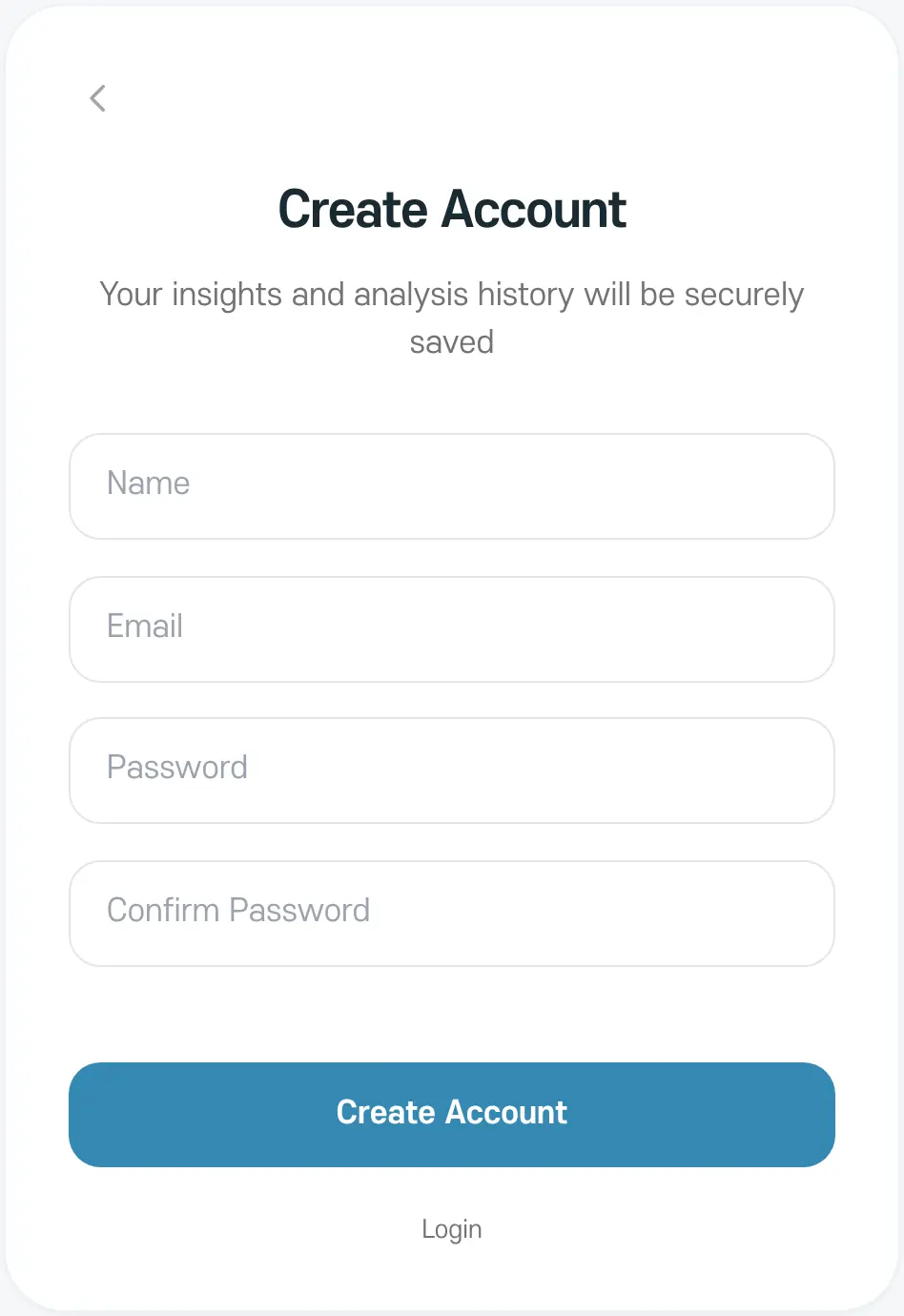
Enter your name, email, and password, then tap 'Create Account'.
- 3
Sign in
Sign in with your new account and you're ready to go.
If you can't remember your ID or password, use 'Find Account' or 'Reset Password' at the bottom of the Login screen.