Finding results in History
See the results you've made after signing in, all in one place
Results you create after signing in collect under 'History' in the top menu, newest first. Tap a card to see that result again.
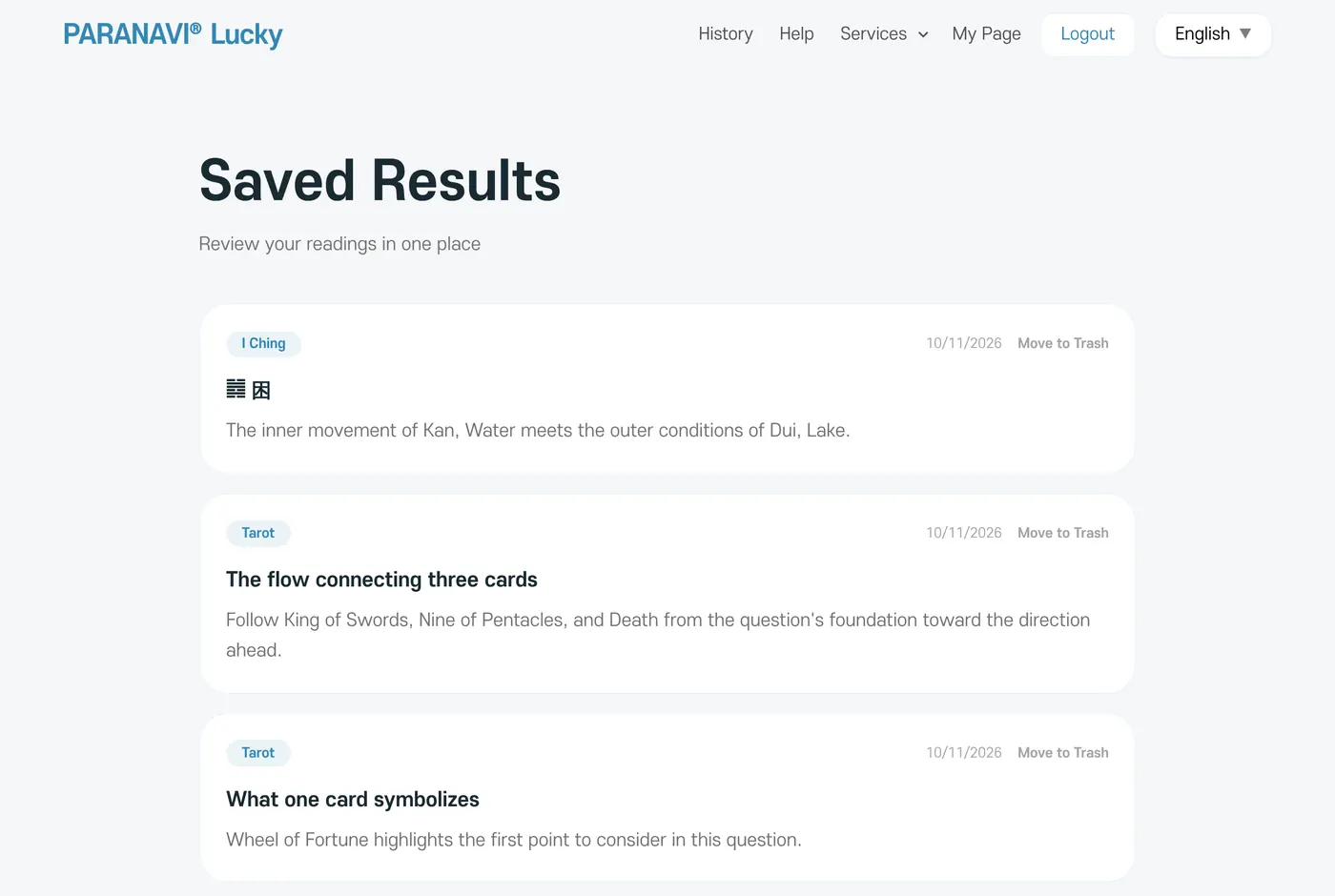
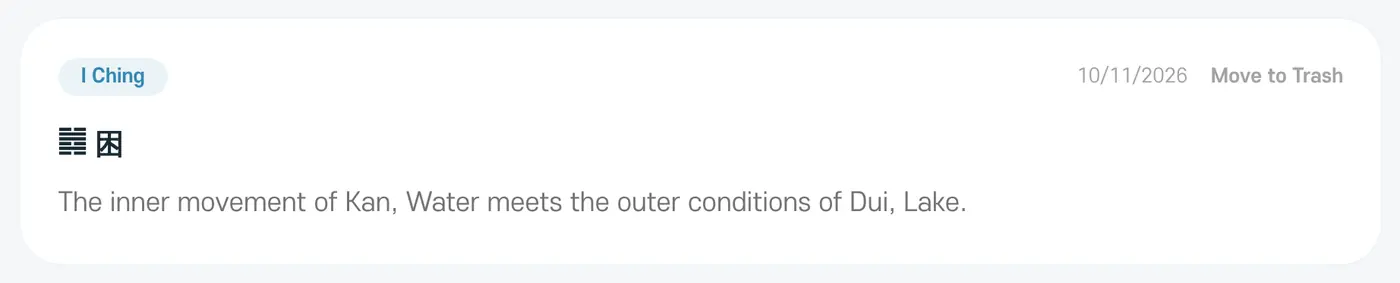
Results you made as a guest also move into your account's History when you sign in on the same browser.
Dream Reflection and a guest's free tarot are handled only inside the browser, so they don't appear in History.